
Expert Tips on Setting Up Credit Card Terminals Successfully


Understanding the Basics of Credit Card Terminals
Setting up credit card terminals can seem daunting, but understanding the basics can make the process seamless. These devices are essential for processing payments in any retail environment, enabling businesses to accept various forms of payment with ease. Knowing how to set them up correctly ensures smooth transactions and satisfied customers.
Choosing the Right Terminal for Your Business
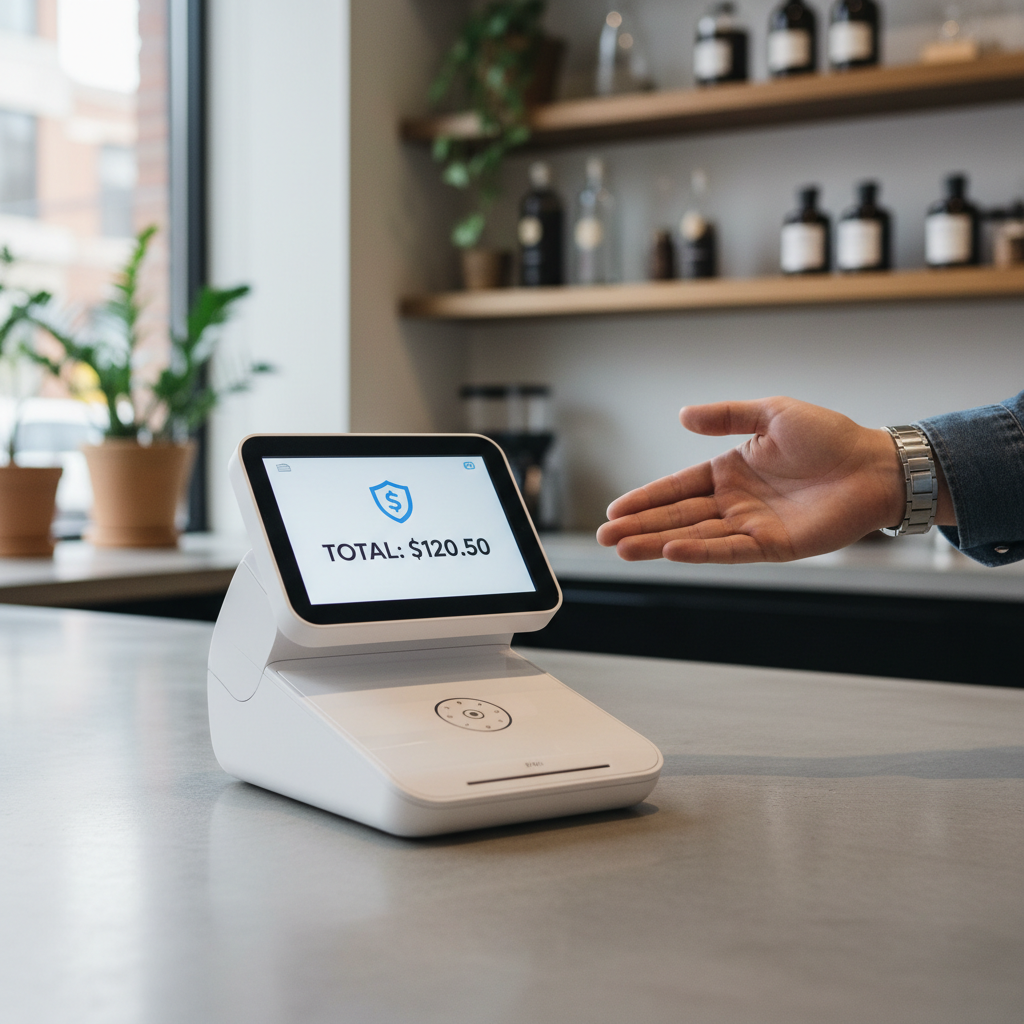
Selecting the appropriate credit card terminal is crucial. Consider the types of payments you intend to accept, such as chip cards, contactless payments, or mobile wallets. There are several options available, including traditional countertop terminals, wireless models, and smart terminals. Evaluate your business needs to choose the right one.
When choosing a terminal, also consider the connectivity options. Some terminals require a phone line, while others operate over Wi-Fi or cellular data. Choose the one that best fits your infrastructure and budget.
Installation and Initial Setup
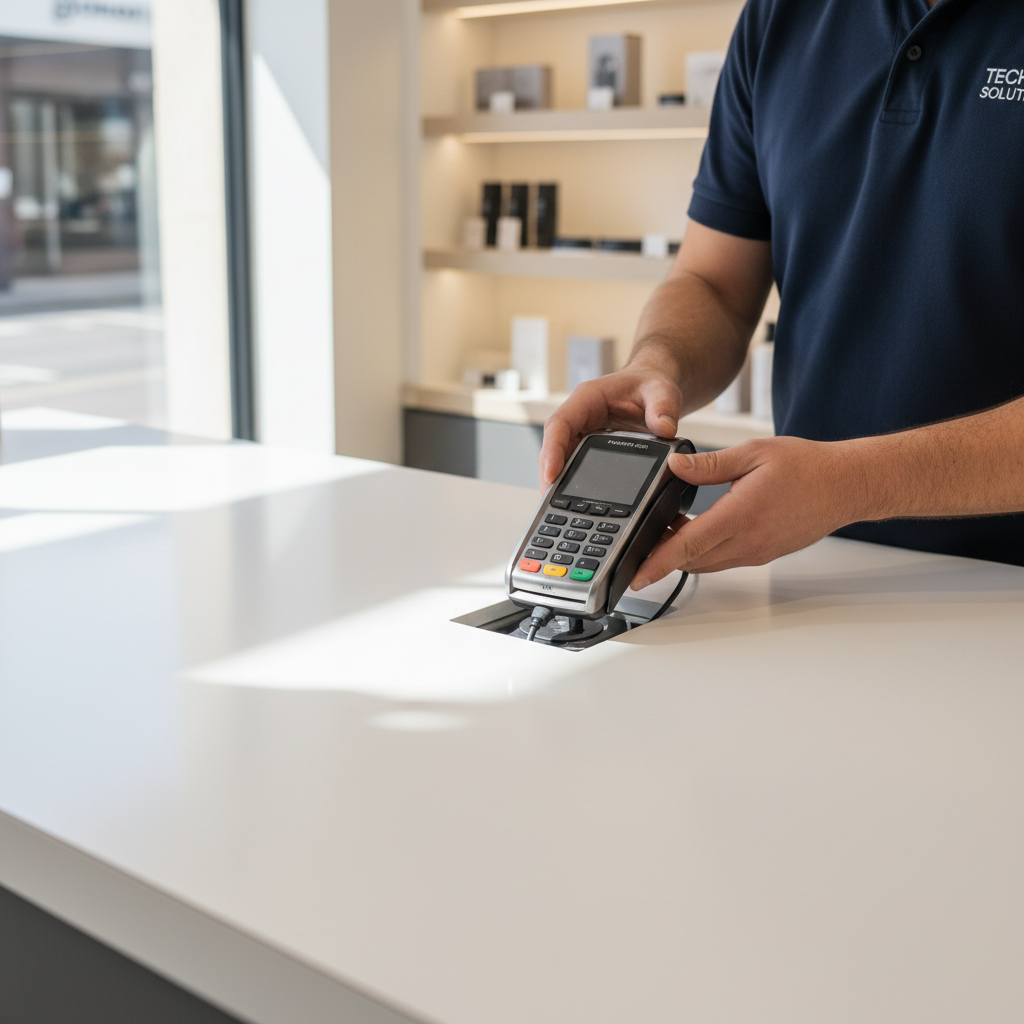
Once you have selected your terminal, it's time to install and configure it. Begin by unboxing the device and checking all components. Most terminals come with a power adapter, cables, and a user manual. Follow the instructions carefully to connect the device to a power source.
Connecting to a Network
After powering up the terminal, the next step is to connect it to a network. If your terminal uses Wi-Fi, locate the network settings and input the necessary credentials. For ethernet connections, simply plug the cable into the appropriate port. Ensure the device is securely connected to avoid any disruptions during transactions.
It's essential to keep your terminal's software updated. Regular updates ensure that your device runs smoothly and stays secure against potential threats.
Configuring Payment Options
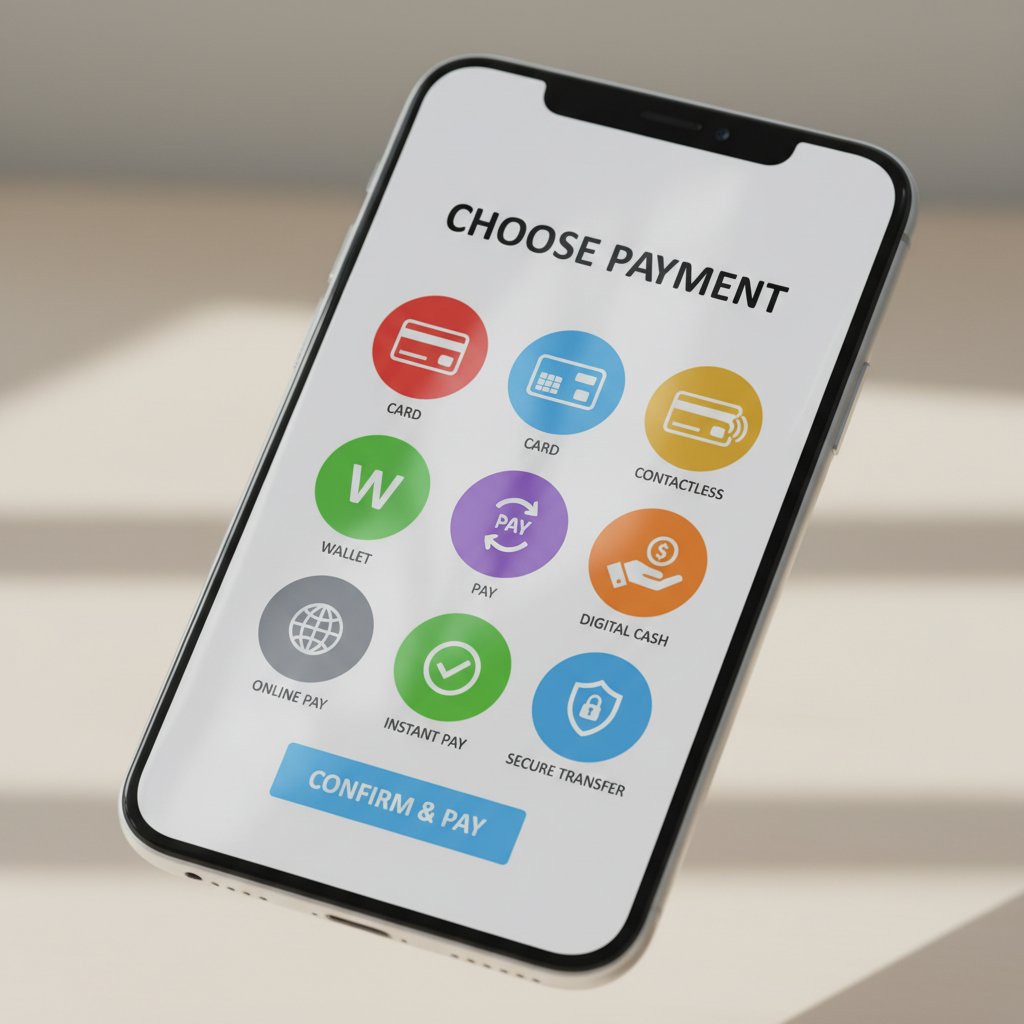
Configuring the accepted payment options is a critical step. Access the terminal's settings to enable various payment methods like credit, debit, and contactless payments. Make sure to test each option to confirm that they work correctly. This ensures you can cater to a wide range of customer preferences.
Training Staff and Customer Engagement
Once your terminal is set up, train your staff to use it effectively. They should be familiar with processing transactions, handling errors, and troubleshooting common issues. Knowledgeable staff contribute to a positive customer experience and efficient service.
Additionally, inform your customers about the payment options available. Clear signage and communication can enhance the shopping experience and encourage sales.
Maintaining Your Credit Card Terminal
Regular maintenance is vital for the longevity of your credit card terminal. Clean the device routinely, especially the card reader and keypad, to prevent dust and debris from causing malfunctions. Regularly inspect cables and connections to ensure they are secure.
By following these expert tips, you can set up your credit card terminals successfully, providing a smooth and reliable payment experience for both your business and customers.